
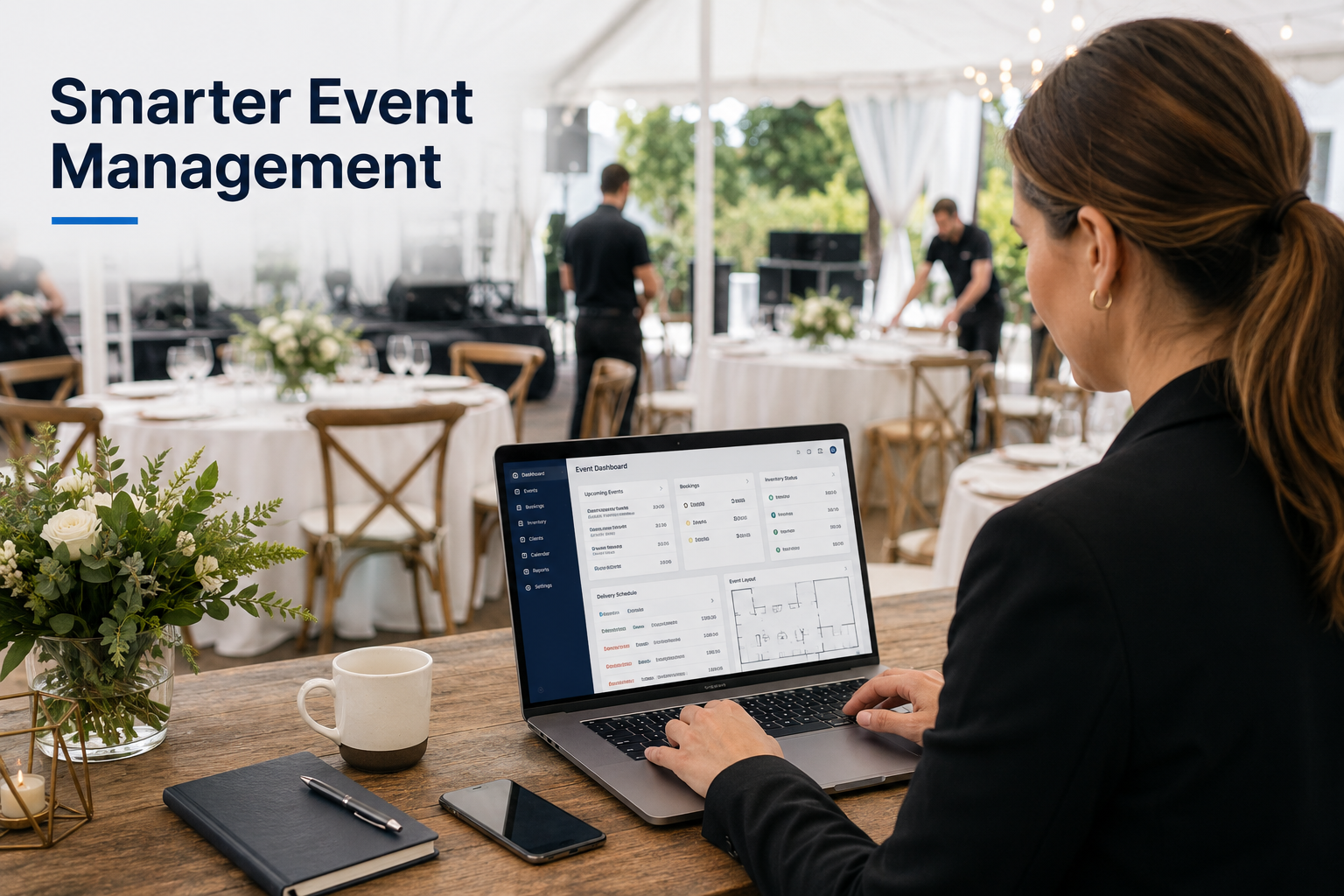
Planning a successful event involves much more than selecting tables, chairs, linens, tents, and decorations. Every booking includes schedules, customer preferences, delivery details, equipment availability, vendor communication, payment records, and last-minute changes.
When these details are managed through handwritten notes, scattered emails, and separate spreadsheets, even a well-planned event can become difficult to coordinate. A missed delivery update, outdated guest count, or incorrect equipment quantity can create unnecessary pressure for both the event host and the rental company.
Software as a Service, commonly called SaaS, is helping event businesses organise these responsibilities more efficiently. From customer enquiries and inventory management to digital contracts and delivery schedules, cloud-based software can bring important information into one accessible system.
However, software does not replace professional event knowledge. The strongest results come from combining useful digital tools with experienced local teams that understand equipment, venues, installation requirements, and customer expectations.
What Are SaaS Tools?
SaaS tools are software applications accessed through a web browser or mobile application. Instead of installing software on one office computer, businesses typically pay a monthly or annual subscription to use a cloud-based platform.
Common examples include:
- Customer relationship management platforms
- Online booking systems
- Inventory management software
- Digital invoicing and payment tools
- Project management applications
- Email marketing platforms
- Electronic signature tools
- Team communication systems
- Scheduling and route-planning software
Because the information is stored online, authorised team members can access current booking details from the office, warehouse, venue, or delivery vehicle.
Businesses comparing platforms can use an independent SaaS tools directory to review options according to business size, features, pricing, ease of use, security, and support instead of selecting software based only on advertising.
Centralised Booking Information Reduces Confusion
An event rental booking can change several times before the event takes place. A customer may increase the guest count, add more tables, change the linen colour, adjust the delivery time, or move the event to another area of the venue.
When each update is stored in a different email thread, employees may not know which version is correct. A cloud-based booking system gives the sales team, warehouse staff, delivery crew, and management access to the same current information.
A central booking record may include:
- Customer contact details
- Event date and location
- Delivery and collection times
- Ordered rental products
- Quantities and item variations
- Venue instructions
- Setup requirements
- Payment status
- Contract documents
- Internal notes
- Changes requested by the customer
This creates a clearer handover between the people who sell the rental package and those responsible for preparing, delivering, and installing it.
Inventory Software Helps Prevent Double Booking
Inventory availability is one of the most important parts of an event rental business. Unlike a standard retailer, a rental company must know not only how many items it owns but also when those items will be returned, cleaned, inspected, repaired, and available for another event.
A simple stock count may not show the full picture. For example, 200 chairs may be physically present in a warehouse, but 150 could already be reserved for another event on the same weekend.
Rental inventory software can track:
- Current stock levels
- Reserved quantities
- Equipment return dates
- Items being cleaned
- Damaged or unavailable products
- Upcoming shortages
- Replacement requirements
- Product history
This helps the rental team avoid promising equipment that is already committed elsewhere. It can also provide enough notice to discuss suitable alternatives with the customer.
For people organising weddings, celebrations, festivals, or community gatherings, working with a provider of party and event rentals in Cincinnati can add an important human layer to the process. Software may show whether an item is available, while an experienced rental professional can advise whether it suits the venue, guest count, weather conditions, and overall setup.
Digital Floor Plans Support Better Event Layouts
Event layouts influence how comfortably guests can move, find their seats, access food stations, watch presentations, and use entrances and exits.
Digital layout tools allow planners and rental teams to create visual arrangements for tables, chairs, tents, stages, dance floors, bars, registration desks, and catering areas. The layout can then be reviewed before equipment arrives at the venue.
This can help answer practical questions such as:
- Is there enough room between tables?
- Can guests move through the space comfortably?
- Is the stage visible from the main seating area?
- Is the catering area separated from guest traffic?
- Are entry and exit routes clear?
- Is there enough room for a dance floor?
- Can staff move equipment through the venue safely?
A visual floor plan can also make customer approvals easier. Instead of relying only on written descriptions, the host can see how the proposed setup may look and request changes earlier in the process.
CRM Platforms Improve Customer Communication
Customer relationship management software, or CRM software, helps businesses track enquiries and communication throughout the customer journey.
For an event rental company, a CRM may record when a customer first requested information, what type of event they are planning, which products they discussed, whether a quote was sent, and when the team should follow up.
This prevents promising enquiries from being forgotten during busy periods. It can also reduce repetitive questions because employees can review previous conversations before responding.
Automated reminders may be useful for:
- Quote follow-ups
- Contract deadlines
- Deposit due dates
- Final guest-count confirmations
- Delivery approvals
- Event-week instructions
- Post-event feedback requests
Automation should still feel personal. Customers planning important occasions often want to speak with a knowledgeable person, especially when making decisions about tent size, seating, weather preparation, and setup logistics.
The purpose of CRM software is to support that relationship, not replace it.
Project Management Tools Keep Teams Aligned
Larger events often involve several departments and outside vendors. A corporate gathering, for example, may require coordination between the rental company, venue, caterer, audiovisual team, decorator, entertainment provider, security staff, and the customer’s internal event team.
Project management software can provide a shared schedule of tasks, responsibilities, deadlines, and approvals.
A project board may include:
- Site inspection date
- Final layout approval
- Equipment preparation deadline
- Delivery schedule
- Installation responsibilities
- Vendor arrival times
- Event start and finish times
- Collection arrangements
- Damage inspection
- Final invoice status
Organisers arranging corporate event rentals in Cincinnati can benefit from a clear process that connects digital planning with professional delivery, installation, and equipment support.
Digital Payments and Contracts Make Booking Easier
Customers increasingly expect to review quotes, sign agreements, and make payments online. Digital contracts and secure payment platforms can reduce the amount of paperwork involved in confirming a rental order.
An online process may allow a customer to:
- Review the rental proposal.
- Approve the selected products.
- Read the rental terms.
- Sign the agreement electronically.
- Pay the required deposit.
- Receive an automatic confirmation.
This can save time for both the customer and the rental company. It also creates a clearer record of what was approved and when payment was made.
However, businesses should choose payment and contract platforms carefully. The system may process names, addresses, signatures, payment information, and event details. Security and privacy should be considered alongside convenience.
Security Should Be Part of Every Software Decision
Event businesses may store more customer information than they realise. Booking records can contain contact information, venue addresses, payment details, private event dates, employee records, and signed agreements.
Using several disconnected applications can make that information harder to monitor. Businesses should consider who can access each platform, how accounts are protected, where data is stored, and what happens when an employee leaves the company.
Useful precautions include:
- Enabling multi-factor authentication
- Giving employees only the access they need
- Removing unused accounts
- Using unique passwords
- Reviewing third-party integrations
- Keeping devices and applications updated
- Backing up important business information
- Confirming payment changes through a trusted channel
- Training employees to recognise phishing attempts
When a company does not have the internal experience to evaluate software, data protection, integrations, or technology risks, it may be worth seeking professional technology research and consulting services before making a long-term commitment.
This is especially important when a platform will become central to bookings, inventory, payments, or customer communication.
Mobile Access Helps Teams Working on Location
Event rental employees do not spend all their time behind a desk. Delivery drivers, installers, site supervisors, and sales representatives often work at venues, warehouses, and customer locations.
Mobile-friendly software allows team members to review updated information without returning to the office. A delivery crew may be able to check:
- Venue directions
- Customer contact information
- Delivery windows
- Equipment lists
- Setup photographs
- Floor plans
- Special access instructions
- Collection details
- Last-minute changes
Some systems also allow employees to upload photographs, confirm delivery, record damage, collect a digital signature, or mark tasks as complete.
This creates a more reliable record and allows office staff to see the progress of the event setup.
Reporting Can Support Better Business Decisions
SaaS platforms can also help rental companies understand how the business is performing.
Reports may show:
- Most frequently rented products
- Seasonal demand
- Popular event types
- Average booking value
- Lead conversion rates
- Equipment repair costs
- Late payment patterns
- Delivery efficiency
- Customer retention
- Products that are rarely booked
This information can guide future purchasing and staffing decisions. If a certain chair style, tent size, or linen colour is regularly unavailable during busy months, the business can decide whether expanding that inventory makes financial sense.
Reports should not be viewed in isolation. Local demand, storage capacity, maintenance requirements, staffing, and transportation costs should also be considered.
How to Select the Right SaaS Platform
The most expensive platform is not always the best choice. A small or growing rental company may benefit more from a simple system that employees will use consistently than from a complex platform filled with unnecessary features.
Before choosing software, a business should ask:
- What specific problem are we trying to solve?
- Will the platform work with our current process?
- Is it easy for office and field employees to use?
- Can it manage rental inventory by date?
- Does it integrate with payments and accounting?
- Can customer and employee access be controlled?
- What support is available?
- Can business data be exported?
- How does the provider protect stored information?
- Will the cost remain reasonable as the business grows?
A free trial can be useful, but the platform should be tested with realistic bookings and workflows rather than a perfect demonstration scenario.
Technology Works Best With Experienced Service
SaaS tools can improve organisation, visibility, and communication. They can help rental teams avoid double bookings, manage enquiries, create clearer schedules, and provide customers with faster updates.
What they cannot do is replace local experience.
Software cannot inspect the ground where a tent will be installed, understand the flow of a unique venue, judge how weather may affect guest comfort, or physically prepare and install rental equipment.
Successful event planning still depends on people who understand the products, location, timeline, and customer’s goals.
Final Thoughts
SaaS tools are becoming an important part of modern event rental management. Booking systems, inventory software, digital floor plans, CRM platforms, mobile applications, and secure payment tools can help businesses work more efficiently and communicate more clearly.
The best approach is not to add technology simply because it is available. Each tool should solve a genuine problem, fit the company’s workflow, protect customer information, and make the event experience easier.
When useful software is combined with experienced rental professionals, customers receive the benefit of organised digital planning and dependable hands-on service. That balance can help turn a complicated event into a well-coordinated experience from the first enquiry through final collection.